

Best Multiple Audio Output Software for Windows
Compare the best Windows software for playing audio through multiple output devices simultaneously. VoiceMeeter, Soundoper, and more.
The Short Answer
The best multiple audio output software depends on your needs. For simple "play audio through all devices" functionality, Soundoper is purpose-built for the task. For advanced virtual audio routing, VoiceMeeter offers more power. For free and lightweight, VB-Audio Virtual Cable provides a building block.
Why You Need Multiple Output Software
Windows sends audio to one default output device at a time. If you want the same audio on headphones and speakers, or on two Bluetooth speakers, you need software that duplicates your audio stream to multiple physical outputs.
Software Compared
Soundoper
Best for: Simple, everyday multi-device audio
- Play audio through multiple devices simultaneously
- Per-device volume control
- Quick device switching
- System tray control
- Works with supported Windows playback outputs
- Up to two selected Bluetooth outputs, with wired/USB/display outputs outside that cap
- One-time purchase ($12.99) with 7-day free trial
Trade-off: Commercial software with a trial period.
VoiceMeeter
Best for: Advanced audio routing and mixing
- Virtual audio buses and mixing
- Multiple physical outputs
- Advanced signal routing
- Free version available
Trade-off: Complex interface designed for audio professionals. Steep learning curve if you just want to duplicate audio.
VB-Audio Virtual Cable
Best for: Building blocks for custom audio routing
- Free virtual audio cable
- Routes audio between applications
- Works with other audio tools
Trade-off: Not a complete solution on its own. Requires additional configuration with other software.
Windows Stereo Mix + Repeater
Best for: Free, basic two-device setups
- Built into Windows (if your driver supports it)
- No additional software needed
- Works with a free audio repeater app
Trade-off: Hardware-dependent, limited to two devices, adds latency.
How to Choose
| Need | Recommended |
|---|---|
| Simple multi-device audio | Soundoper |
| Advanced virtual mixing | VoiceMeeter |
| Free building blocks | VB-Audio Virtual Cable |
| Basic two-device (free) | Stereo Mix + repeater |
Practical Setup Check
Compare what each option actually does: stream mirroring, virtual routing, mixing, output volume controls, and supported devices are separate features.
Soundoper Interface
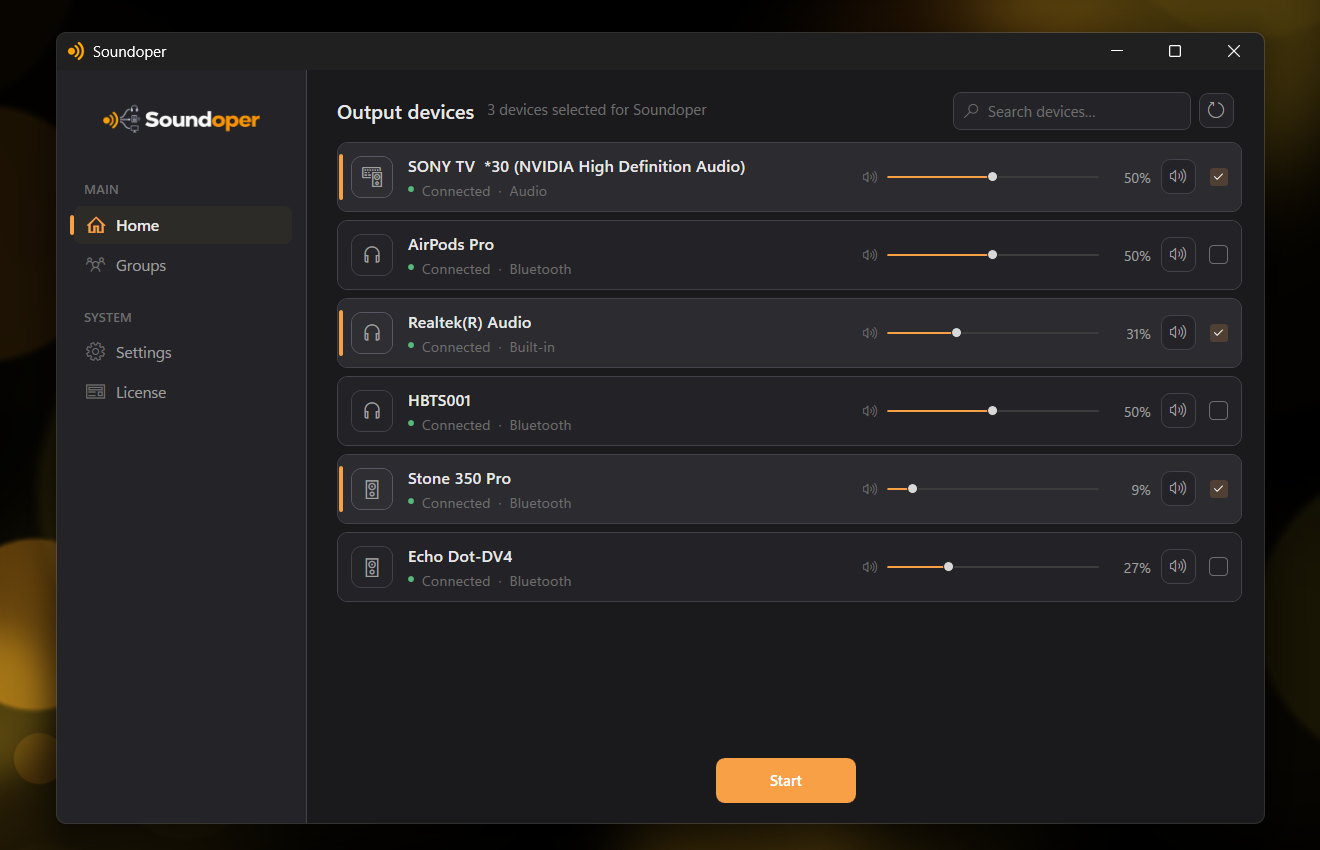
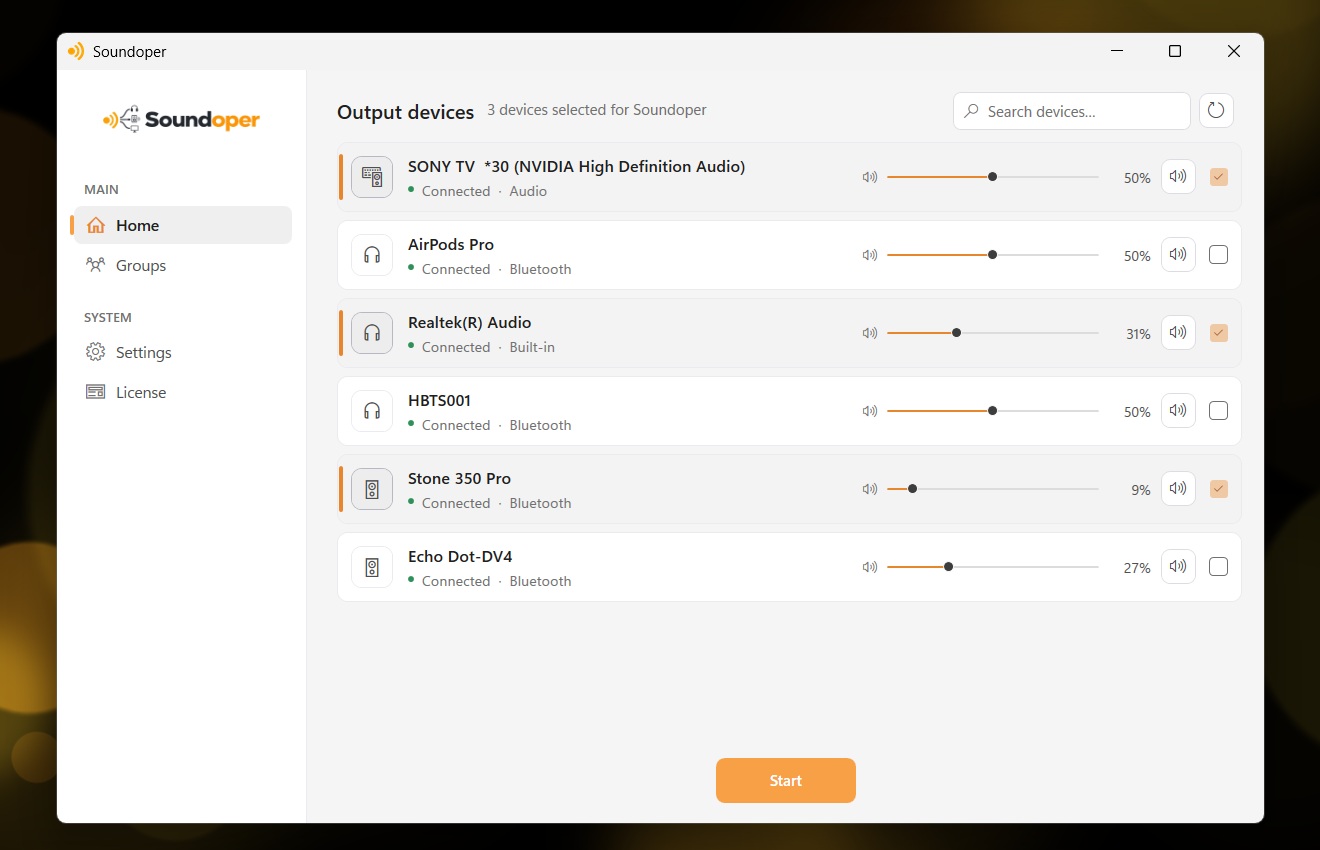
Illustrative screenshot from the actual Soundoper application. Connected devices and interface settings may vary.
Conclusion
The right software depends on how complex your audio needs are. If you want to play the same audio through multiple speakers, headphones, or Bluetooth devices without diving into professional audio tools, a focused application like Soundoper is the most straightforward choice.
Try Soundoper free for 7 days: see if multi-device audio is as simple as it should be.