

VoiceMeeter Alternatives for Multiple Audio Outputs on Windows
Looking for simpler VoiceMeeter alternatives? Compare multi-device audio output tools that don't require audio engineering knowledge.
The Short Answer
If VoiceMeeter feels too complex for your needs, alternatives include Soundoper (simple multi-device audio), VB-Audio Virtual Cable (free, lightweight), and Windows Stereo Mix (built-in, limited). VoiceMeeter is powerful, but most users just want to play audio through multiple devices: not build a virtual audio studio.
Why Look for VoiceMeeter Alternatives?
VoiceMeeter is a capable virtual audio mixer. It can route audio to multiple outputs, mix sources, and handle complex setups. But it was designed for audio professionals and power users.
Common reasons users look for alternatives:
- The interface is overwhelming for simple tasks
- Setting up multi-device audio takes more steps than expected
- You just want to play the same audio through two speakers
- Configuration errors cause audio issues
- The learning curve isn't worth it for your use case
Alternatives Compared
Soundoper
What it does: Play audio through multiple devices simultaneously.
- Simple device selection interface
- Per-device volume control
- Quick switching
- System tray access
- No audio engineering knowledge required
- One-time purchase ($12.99, 7-day trial)
Best for: Users who want multi-device audio without VoiceMeeter's complexity.
VB-Audio Virtual Cable
What it does: Creates a virtual audio cable for routing audio between applications.
- Free
- Lightweight
- Basic routing capability
Best for: Users who want a free building block and are comfortable configuring audio routing manually.
Windows Stereo Mix + Repeater
What it does: Captures system audio and repeats it to a second output.
- Free
- Built into Windows (if supported)
- No additional software for basic setups
Best for: Simple two-device setups where Stereo Mix is available on your hardware.
Equalizer APO + Virtual Audio Cable
What it does: System-wide audio processing and routing.
- Free and open source
- Configurable via text files
- Flexible but technical
Best for: Users comfortable with text-based configuration who need specific audio processing.
VoiceMeeter vs Soundoper: A Direct Comparison
| Feature | VoiceMeeter | Soundoper |
|---|---|---|
| Multi-device audio | ✓ | ✓ |
| Per-device volume | ✓ | ✓ |
| Virtual mixing | ✓ | ✗ |
| Multiple audio buses | ✓ | ✗ |
| Learning curve | High | Low |
| Interface complexity | High | Simple |
| Price | Free / Paid | $12.99 |
| Best for | Audio professionals | Everyday users |
When VoiceMeeter Is the Right Choice
- You need to mix multiple audio sources (not just duplicate one)
- You need virtual audio devices for streaming or recording
- You want fine-grained control over audio routing and mixing
- You're comfortable with a complex interface
When You Need Something Simpler
- You just want the same audio on multiple speakers
- You want to connect Bluetooth + wired devices together
- You don't need audio mixing or virtual devices
- You want it set up in under a minute
Practical Setup Check
Choose VoiceMeeter for mixing, virtual buses, and production routing. For mirroring one Windows sound stream, a simpler output selector may be easier.
Soundoper Interface
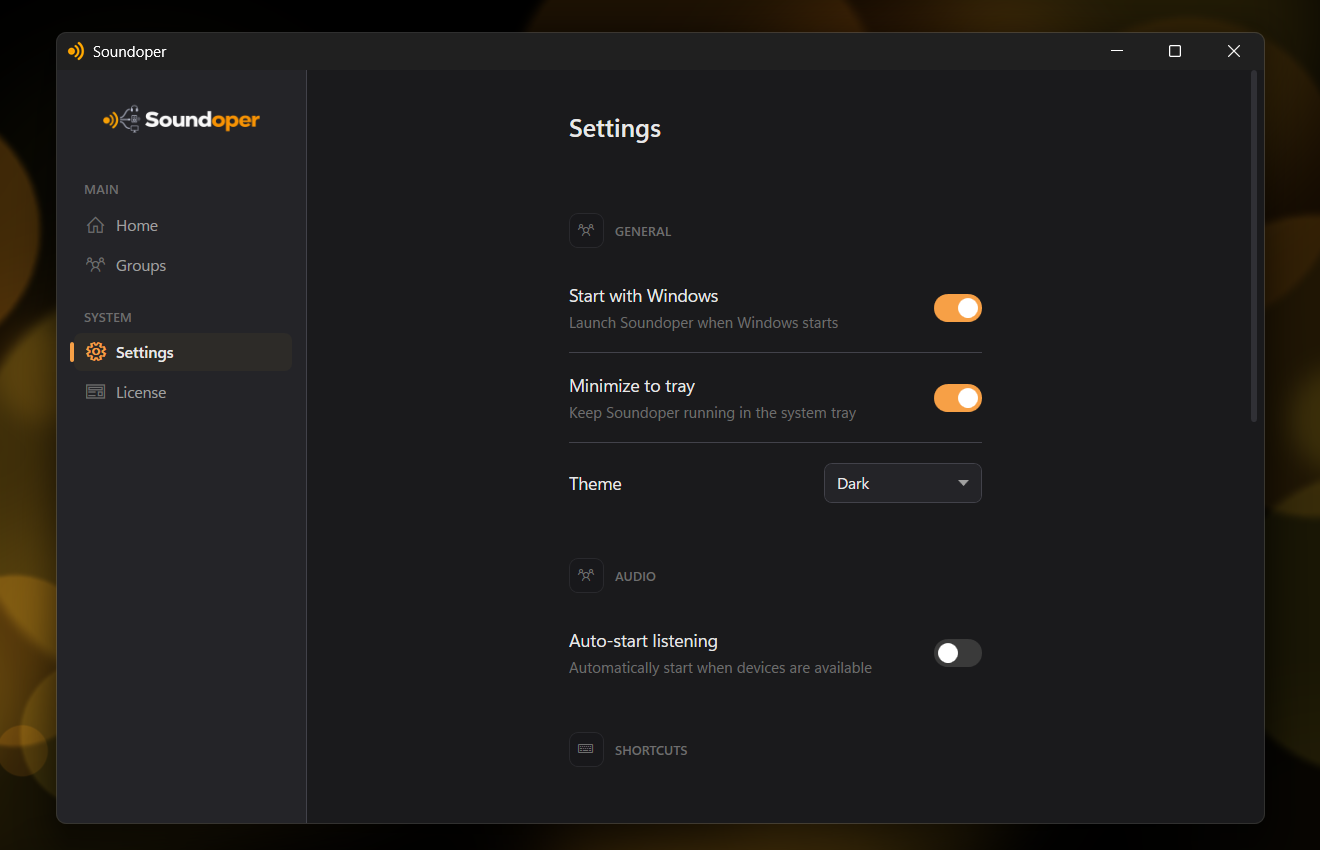
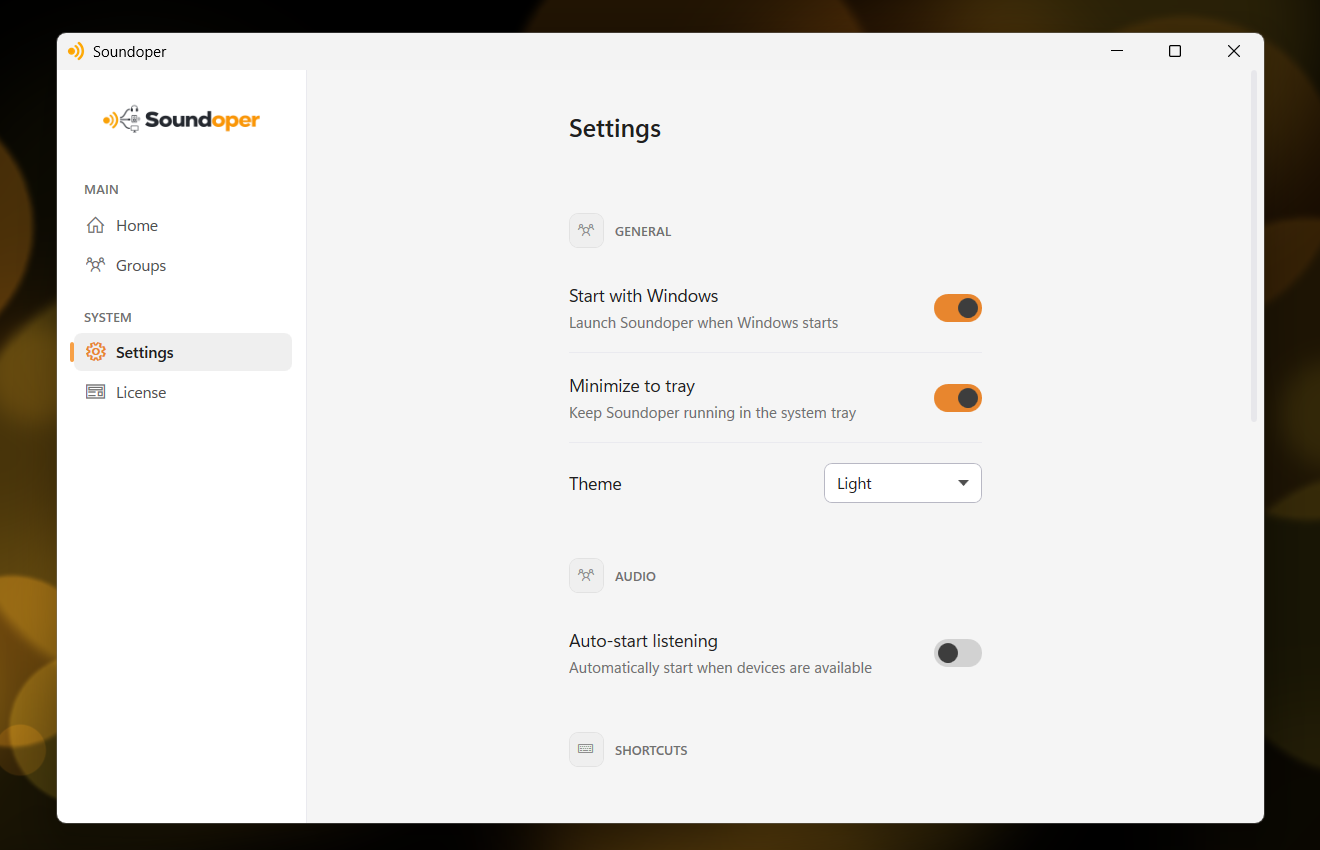
Illustrative screenshot from the actual Soundoper application. Connected devices and interface settings may vary.
Conclusion
VoiceMeeter is excellent for complex audio routing, but if your need is straightforward: play the same audio through multiple devices: a simpler tool like Soundoper gets you there without the learning curve.
Try Soundoper free for 7 days: multi-device audio, no audio engineering required.