

How to Play Audio Through Two Speakers at Once on Windows
Want to play the same audio through two speakers simultaneously on Windows? Here's how to do it with built-in options and dedicated software.
The Short Answer
To play audio through two speakers at once on Windows, you can use Stereo Mix with an audio repeater, a hardware splitter for wired speakers, or multi-device audio software like Soundoper that duplicates your audio to both outputs.
Windows 11 Shared Audio: When It Applies
Microsoft has introduced Shared audio for two compatible Bluetooth LE Audio accessories on selected Windows 11 PCs and builds. It is not a general replacement for mixed Bluetooth, USB, wired, and HDMI output routing. Availability depends on your Windows build, PC audio hardware, drivers, and accessories. On supported devices, check Quick Settings for a Shared audio control. See Microsoft's Shared audio preview announcement for eligibility and limitations.
The Problem
You have two speakers connected to your Windows PC: maybe a pair of USB speakers and some Bluetooth speakers, or two wired sets. You want the same audio playing through both at the same time.
For most mixed output setups, Windows uses one default playback device. Shared audio supports some LE Audio configurations, while other combinations still need separate routing or splitting.
Method 1: Stereo Mix + Audio Repeater
If your audio driver supports Stereo Mix:
- Enable Stereo Mix in Sound settings → More sound settings → Recording tab
- Set your primary speaker as the default playback device
- Open a free audio repeater application
- Set the input to Stereo Mix and the output to your second speaker
This duplicates the audio stream, but it requires that your hardware supports Stereo Mix: and many don't.
Method 2: Hardware Splitter
For two wired speakers using 3.5mm connections:
- Use a 3.5mm audio splitter cable
- Connect both speakers to the splitter
- Plug the splitter into your audio output
This works but is limited to wired connections and doesn't give you independent volume control.
Method 3: Soundoper
Soundoper is designed for exactly this use case:
- Connect both speakers to Windows (wired, Bluetooth, or USB)
- Open Soundoper
- Select both speakers
- Play your audio: both speakers receive it simultaneously
Each speaker gets its own volume control, and you can add or remove devices at any time.
When Two-Speaker Audio Makes Sense
- Working in a shared space and both people need to hear
- Playing background music across a room
- Testing audio on different speaker setups
- Presentations where you need audio in multiple spots
Practical Setup Check
Under Settings → System → Sound, test both speakers separately, then select both in your chosen multi-output application.
Soundoper Interface
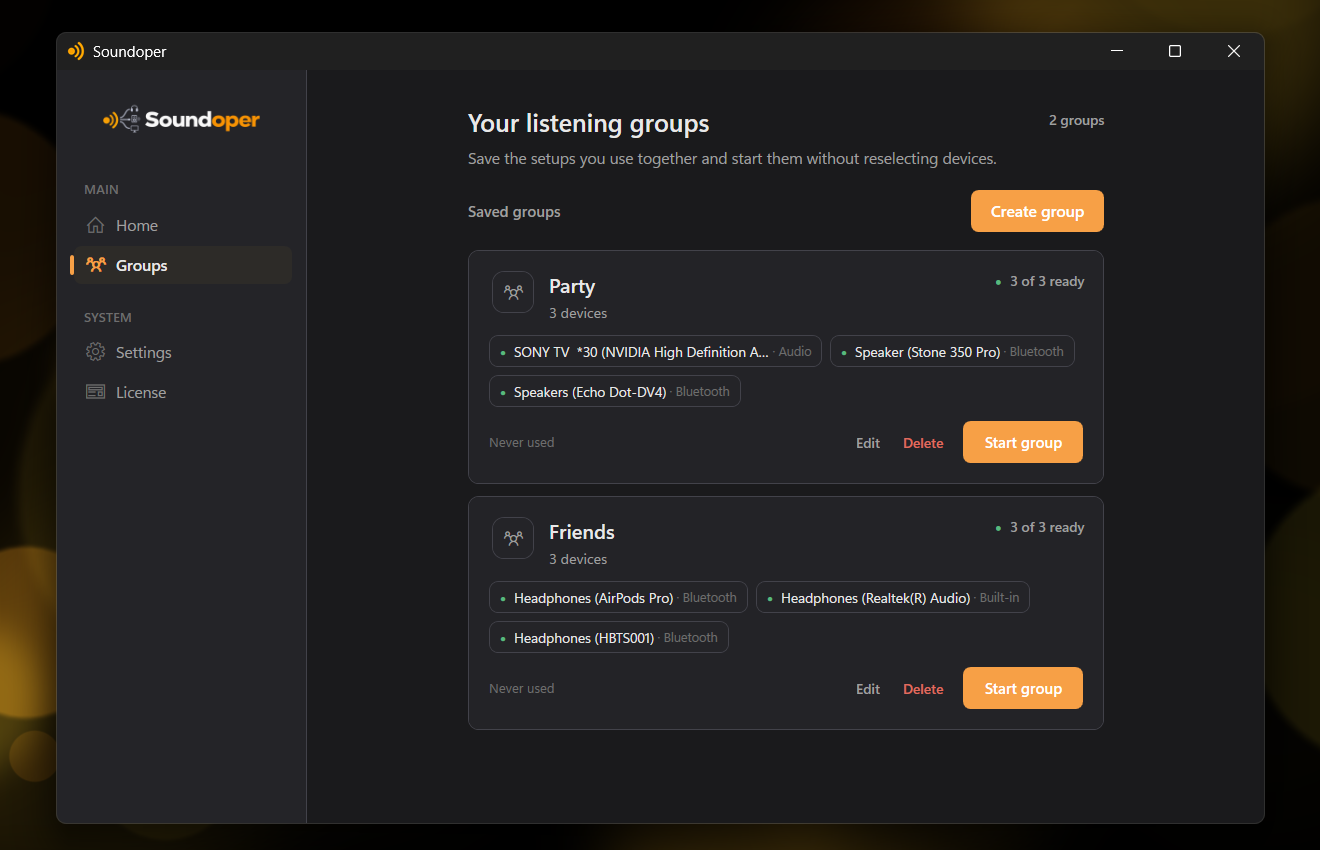
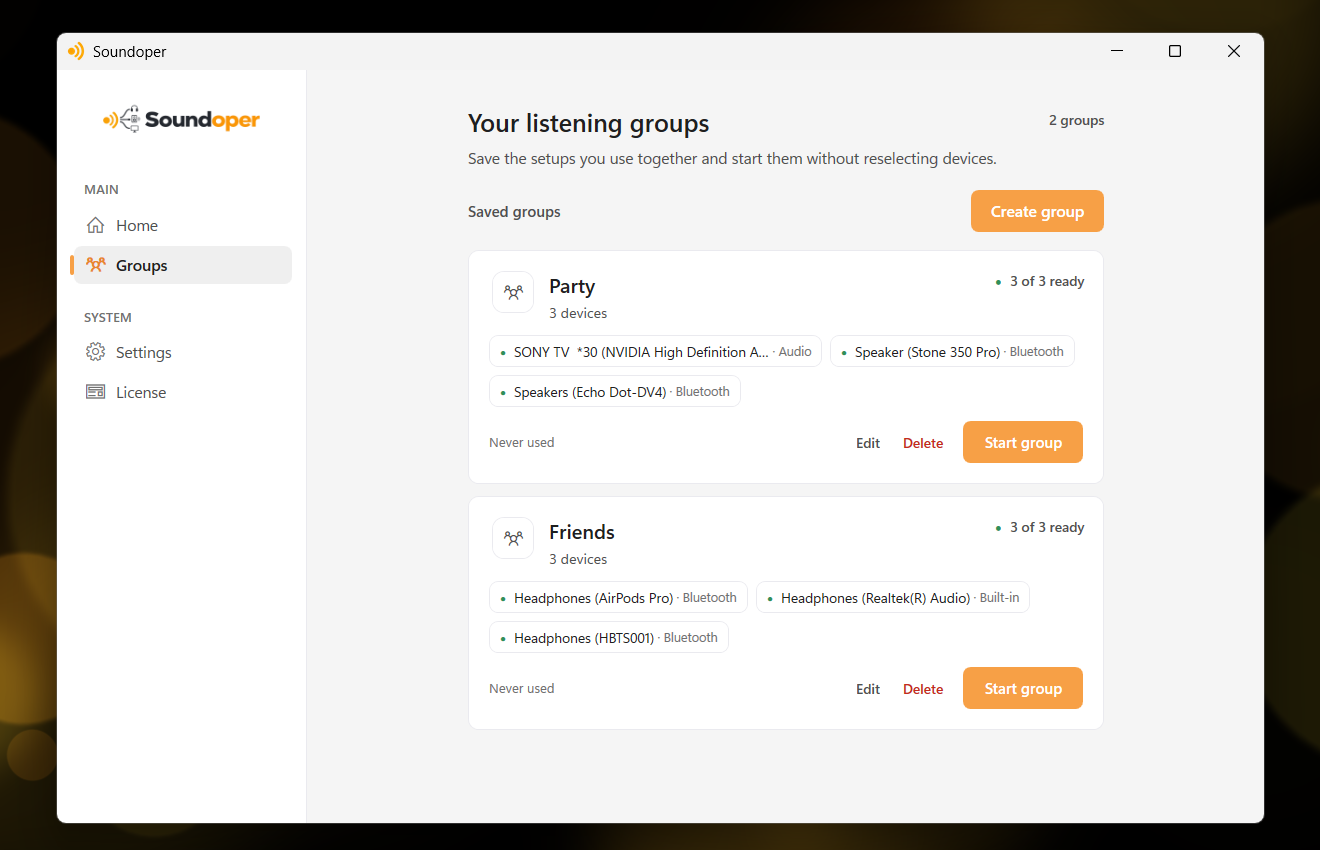
Illustrative screenshot from the actual Soundoper application. Connected devices and interface settings may vary.
Conclusion
Playing audio through two speakers on Windows is straightforward with the right tool. Stereo Mix works if your hardware supports it, a hardware splitter is simple for wired setups, and Soundoper handles all device types with independent volume control.
Try Soundoper free for 7 days.